
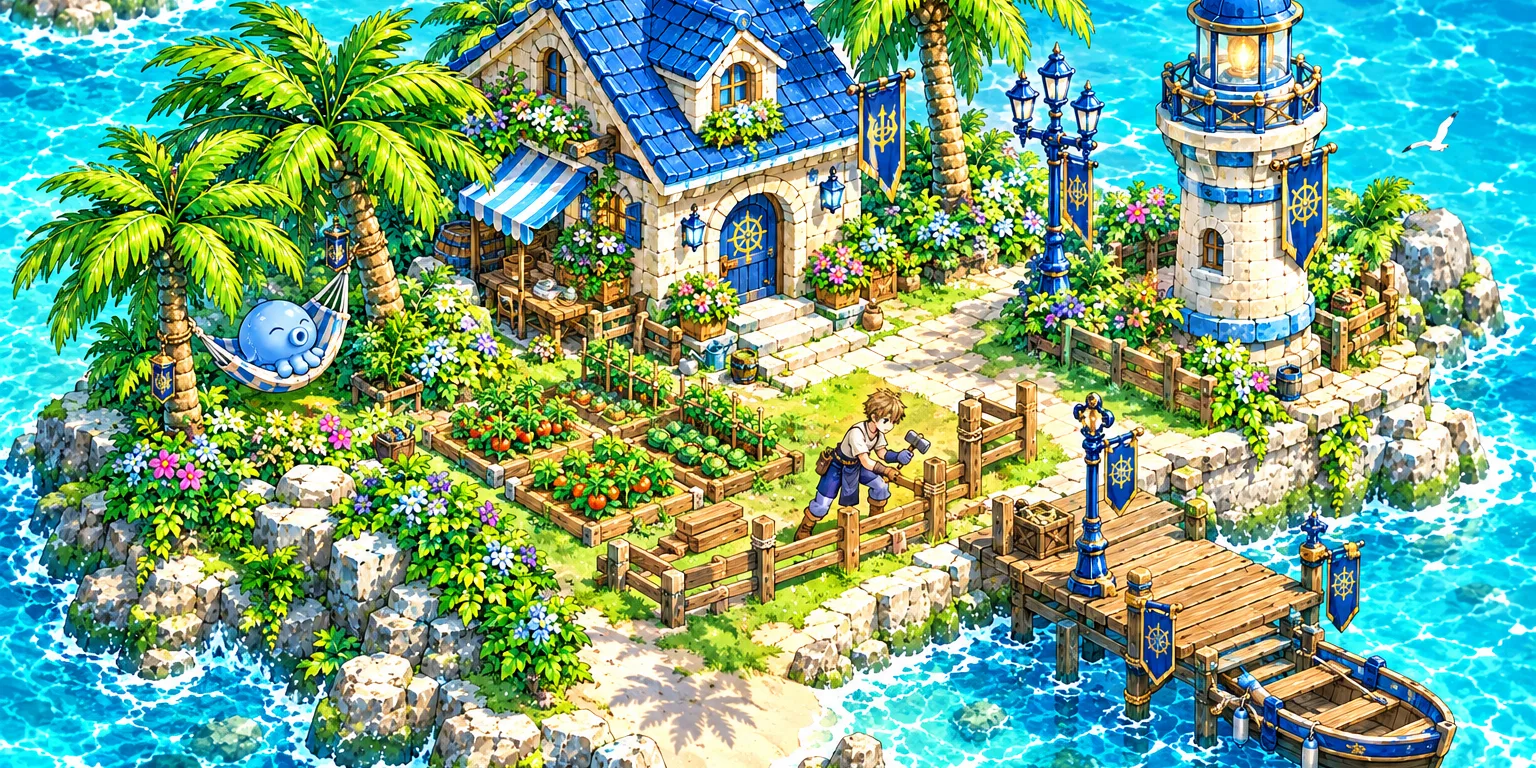
Every account has its own island. Sail there whenever you want a break from adventure, and build your home stone by stone. Your island is saved: it waits for you exactly as you left it. Live
Going to your island
- Press the My Island button (the palm emblem next to Companion).
- Read the card and set sail. Your character is saved where it stands.
- On the island, press Back to the world to return to the very same spot.
You cannot leave while at sea (go ashore first), while dead or in the middle of a fight. On the island you play your real hero, with your own gear and hairstyle.
The islet
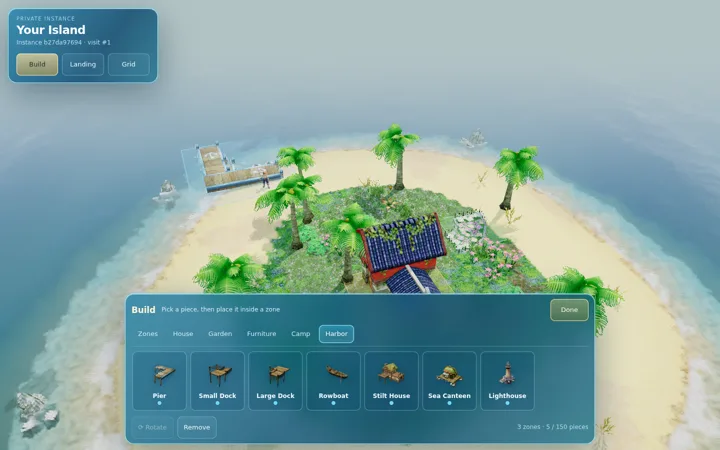
Your island starts as a round islet about 27 metres wide, with a wide beach and eight palms. You shape it with zones:
| Zone | What it is for |
|---|---|
| Home plot | Your house and its garden walls |
| Garden | Flowerbeds, fountain and benches |
| Camp | Campfire, tent, crates and barrels |
| Harbor | Pontoon, quays and your rowboat |
Zones cannot overlap, and they clear the vegetation under them.
Building
- 45 ready pieces in 5 families: houses (like the red Spring Town House), palms, flowerbeds, fountain, fences, lamp posts, benches, parasols, tent, pontoon, stilt house, floating canteen, lighthouse and more.
- A modular kit to build your own house: floors, walls, doorways, windows, railings, pillars and stairs, snapped to a 1 metre grid.
- 12 materials: wood, planks, plaster, sandstone, stone, cobble, slate, marble, blue tile, terracotta, carpet and green stone.
- Up to 4 levels: ground floor plus 3 storeys. You walk inside, through the doors and up the stairs.
- 21 furniture pieces for bedroom, living room, kitchen and study: beds, sofa, bookcase, fireplace, table, workbench, chest, planters…
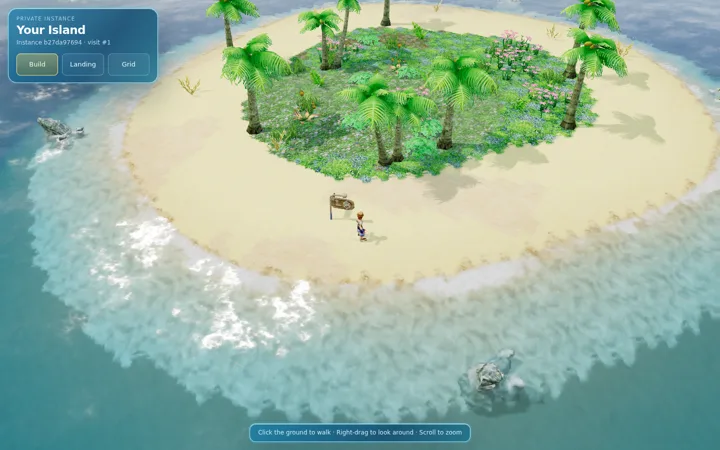 The empty isletWhere every island starts.
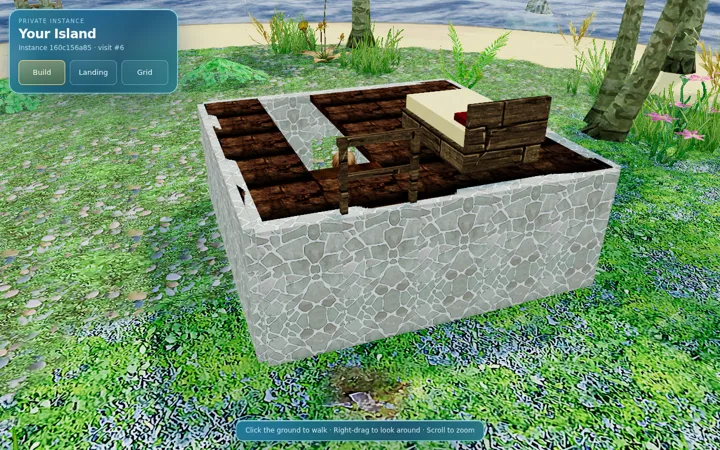 Inside your houseWalk through the doors and furnish every room.
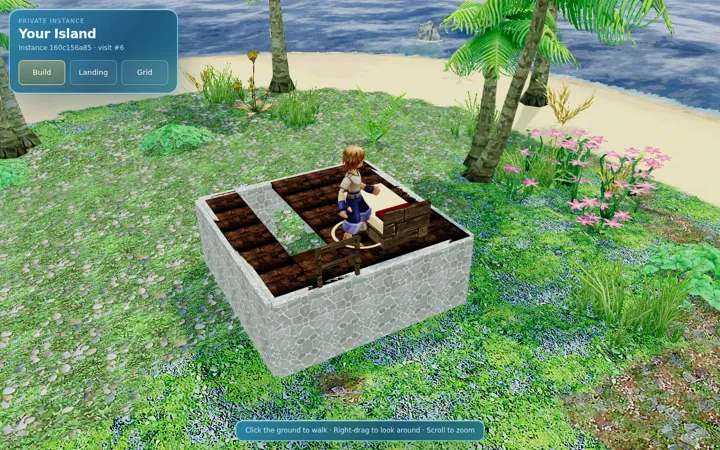 UpstairsBuild up to three storeys.
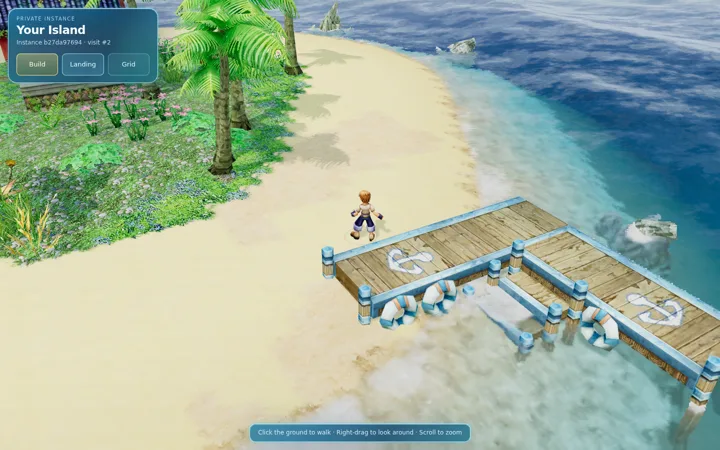 The pierYour harbour zone, ready for a boat.
Controls
A ghost preview turns green when a piece fits and red when it does not. R rotates by 45 degrees, [ and ] change floor, drag to draw a line of walls or fill a floor, and click twice to delete. Everything works by touch on phones too.
Resources
| Resource | Max stock |
|---|---|
| Wood | 800 |
| Stone | 800 |
| Iron | 160 |
| Cloth | 160 |
You start with a full stock, and deleting a piece gives its materials back. Examples: a house costs 40 wood, 30 stone and 6 iron; a harbour 24 wood and 4 iron; a piece of furniture 5 wood and 1 iron.
Coming next
- Gather resources on your island, linked to your game bag. Planned
- Invite friends to visit your island. Planned
- Your Ether creatures living on the island. Planned
- A boat moored at your pontoon, to reach other islets and grow a whole archipelago. Planned
- Sloped roofs, opening doors, walls that fade in front of the camera. Planned